Keycloak (IAM) setup
Keycloak is an open-source identity and access management (IAM) solution developed by Red Hat. It provides a comprehensive suite of features for managing user authentication, authorization, and user administration for applications and services.
Running keycloak in VM
Deploy keycloak by creating a standalone VM and configuring the necessary environment variables and settings. Ensure configuring hostname settings and database connections appropriately.
Commands
docker run -itd --name keycloak -e KEYCLOAK_ADMIN=admin
-e KEYCLOAK_ADMIN_PASSWORD=KeyCloak@@oded
-e KC_HTTPS_CERTIFICATE_FILE=/opt/keycloak/conf/solitx.io.crt.pem
-e KC_HTTPS_CERTIFICATE_KEY_FILE=/opt/keycloak/conf/solitx.io.key.pem
-e KC_DB_URL=jdbc:postgresql://135.xxx.xx.xx:xxxx/keycloak
-e KC_DB_USERNAME=xxxx -e KC_DB_PASSWORD=xxxxxx
-e KC_DB=postgres -v /root/solitx.io.crt.pem:/opt/keycloak/conf/solitx.io.crt.pem
-v /root/solitx.io.key.pem:/opt/keycloak/conf/solitx.io.key.pem -p 8443:8443 quay.io/keycloak/keycloak:23.0.4 start --hostname azurekeycloak.solitx.io
How to access keycloak
-
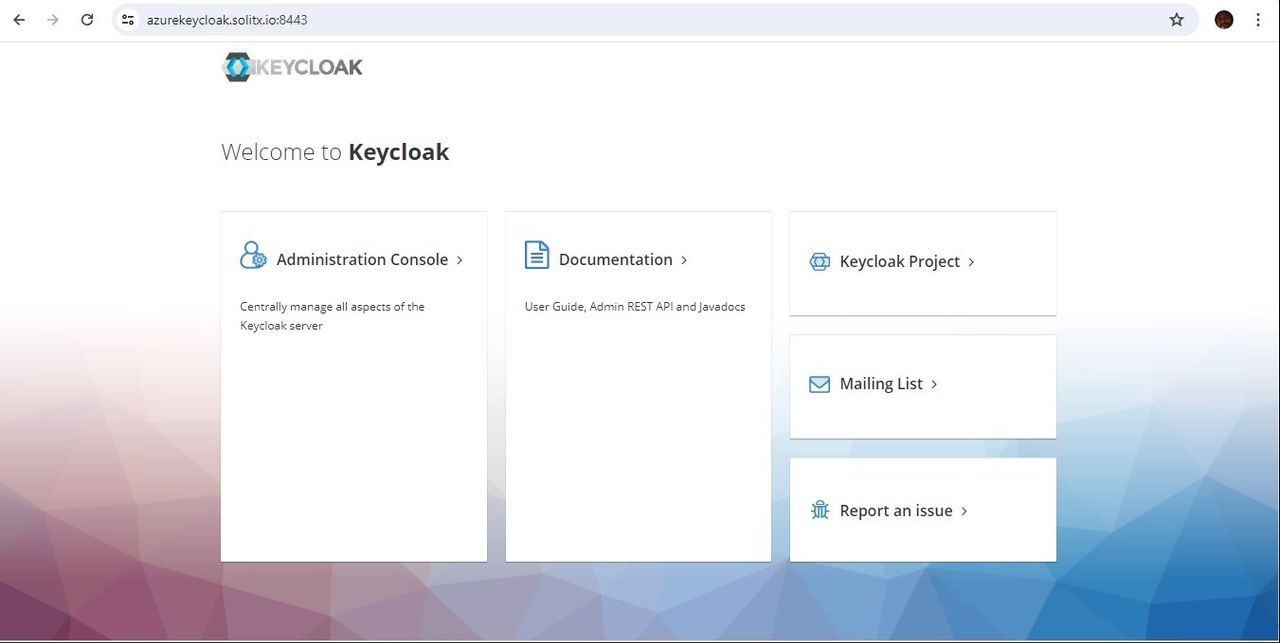
Access the keycloak using its host port number and host server IP address redirected domain name.
-
Go to keycloak URL Keycloak
-
Click on
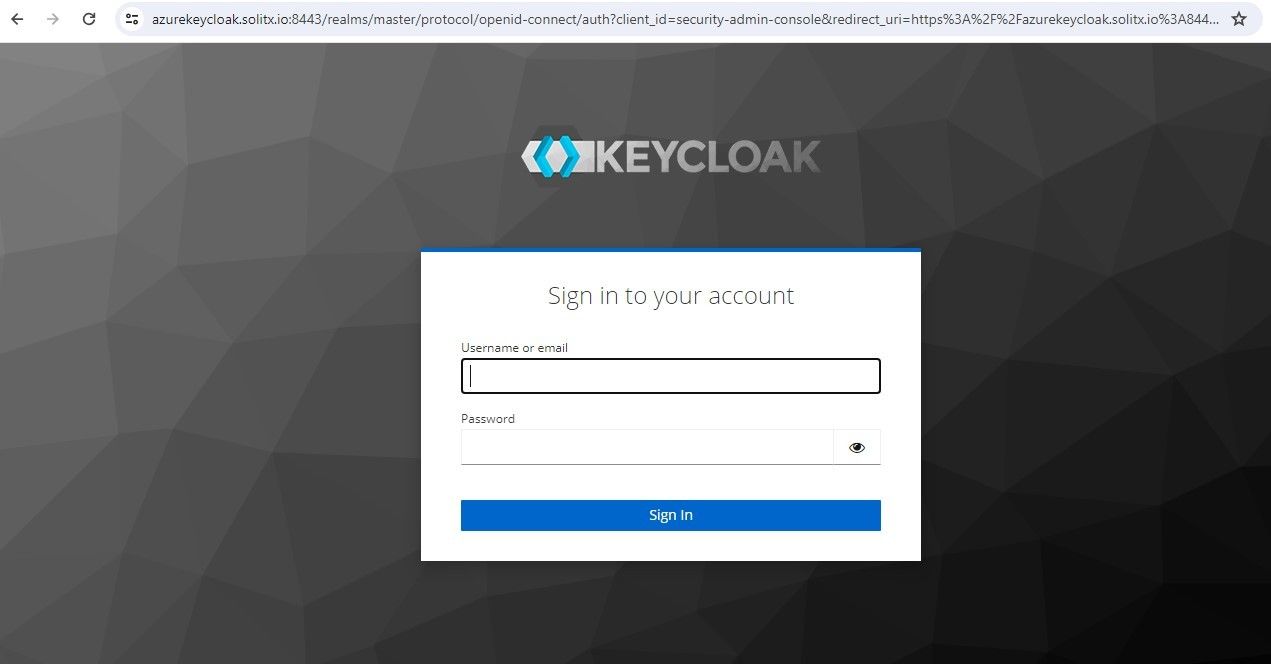
Administration Consoleand enter the credentials to login.
-
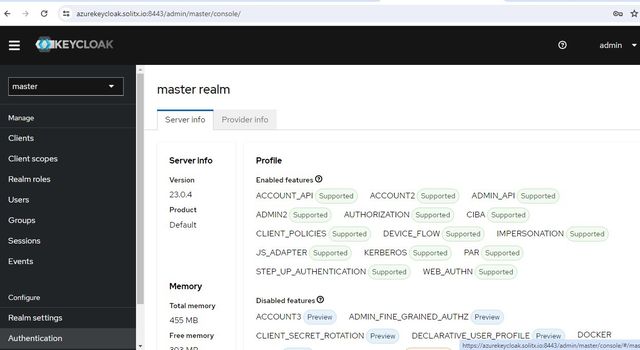
After login, the information about the server can be seen.